Password reset
Reset procedure
Extra info
1
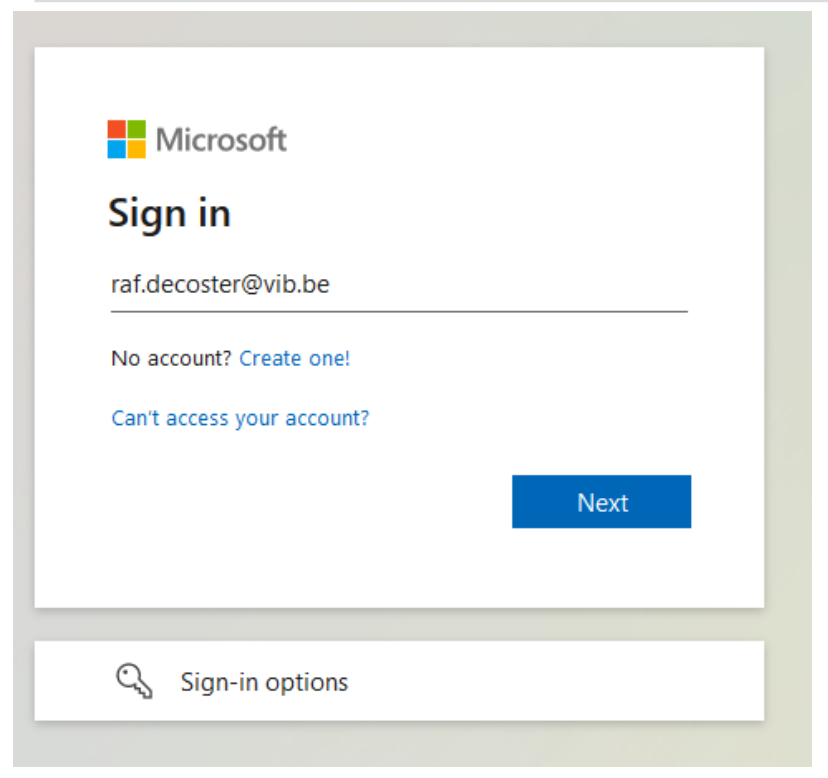
Go to https://portal.office.com
Extra info
2
Sign in with your first name.last name@vib.be email address
Text
If you're not able to manage your first login in a VIB trusted or known location and you need your VIB account urgently, then you can send a mail to it.servicedesk@vib.be, as the procedure explained below will fail. They will provide you with a one-time password.
Trusted locations → VIB Headquarters, Agro-Incubator, FSVM II.
Known locations → All VIB centers at Ghent, Antwerp, Brussels and Leuven.
Remark: your VIB account is activated on your contract start date, taking work days into account.
Extra info
3
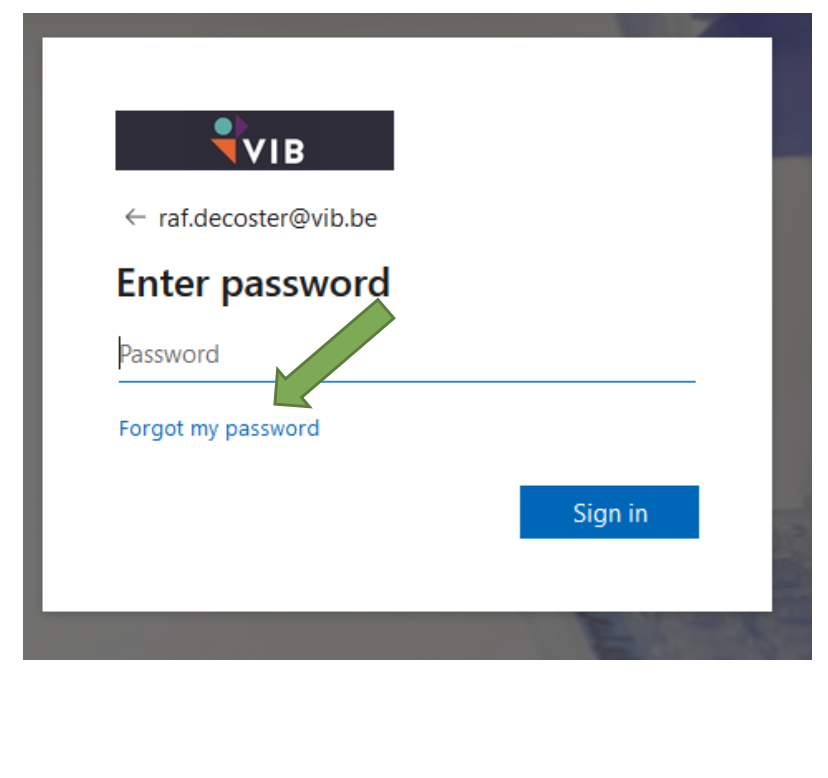
Click the “Forgot my password” link
Text
Extra info
4
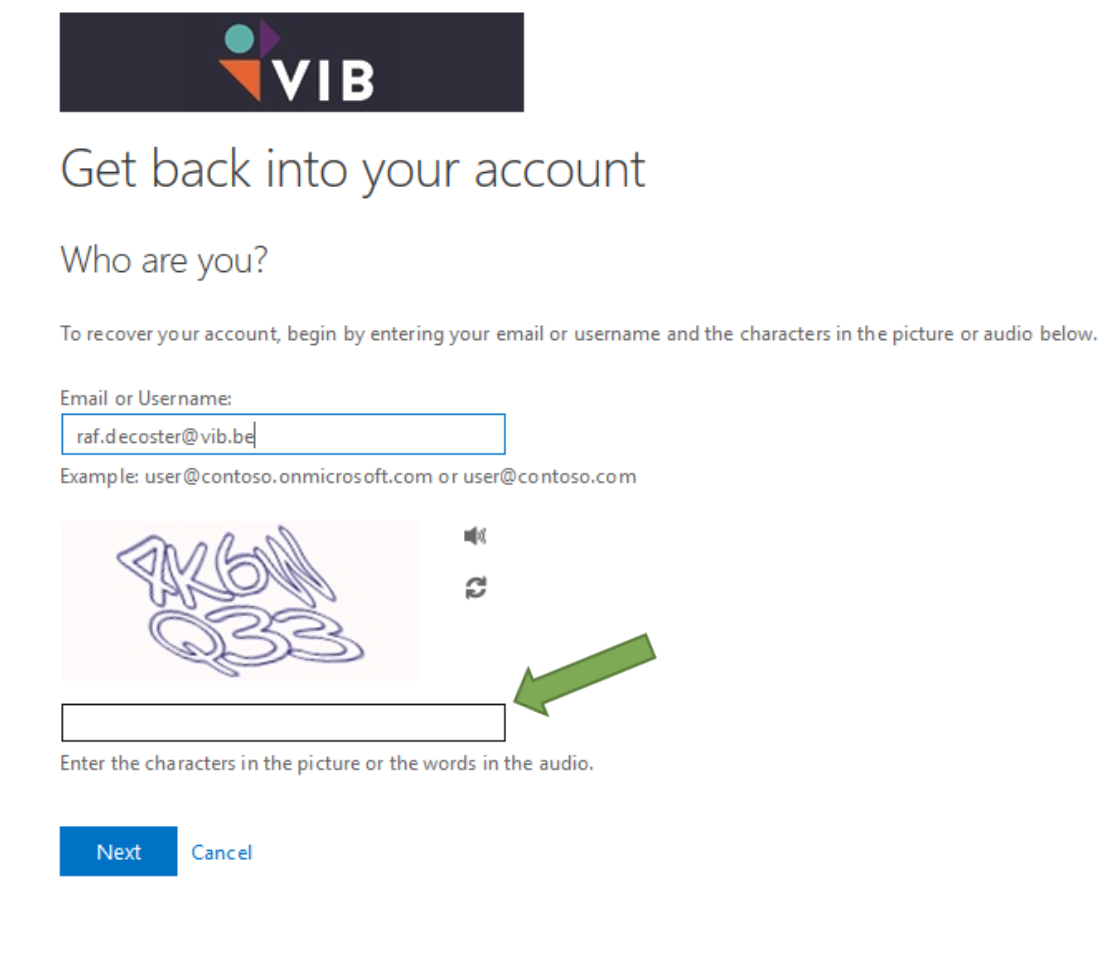
Enter the code displayed
Text
Extra info
5
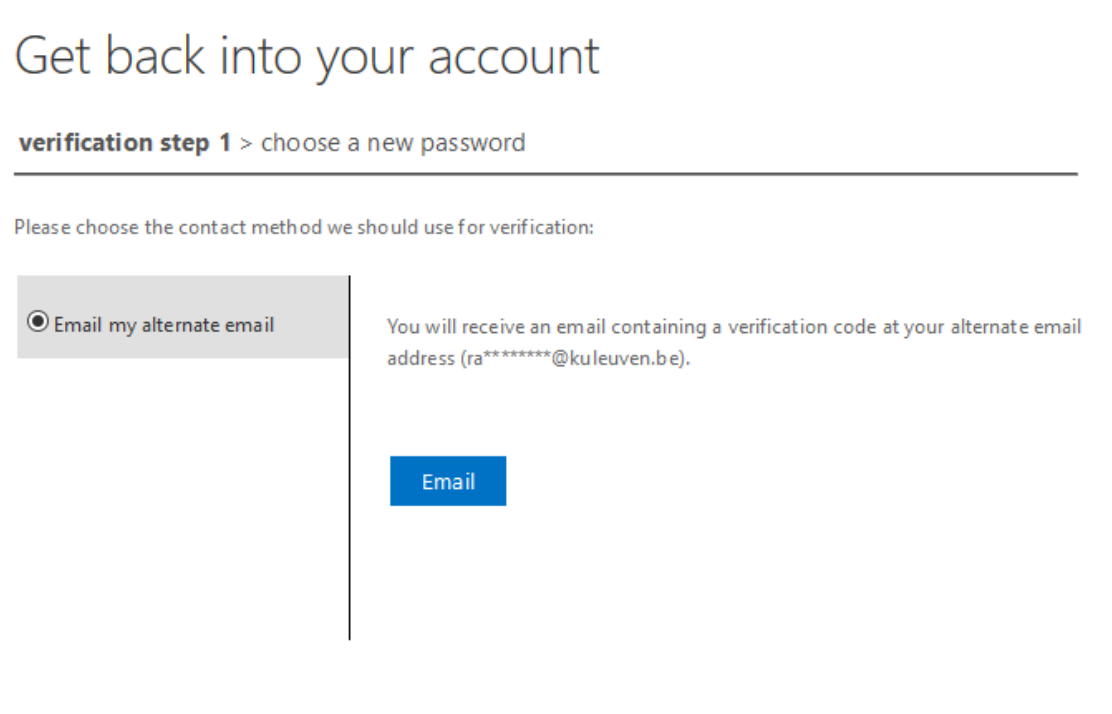
Click the email button to receive your verification code on your alternative mail address
Text
Extra info
6
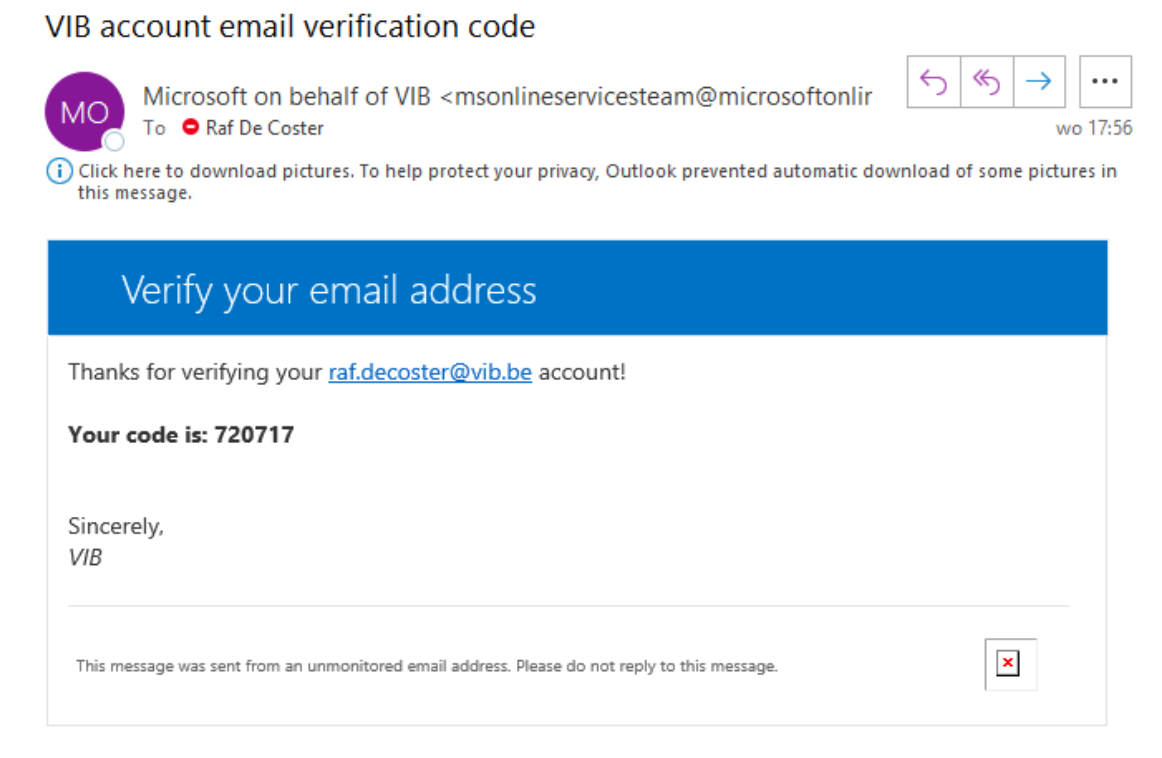
Check your alternative email. You should have received a code from "Microsoft on behalf of VIB"
Text
Extra info
7
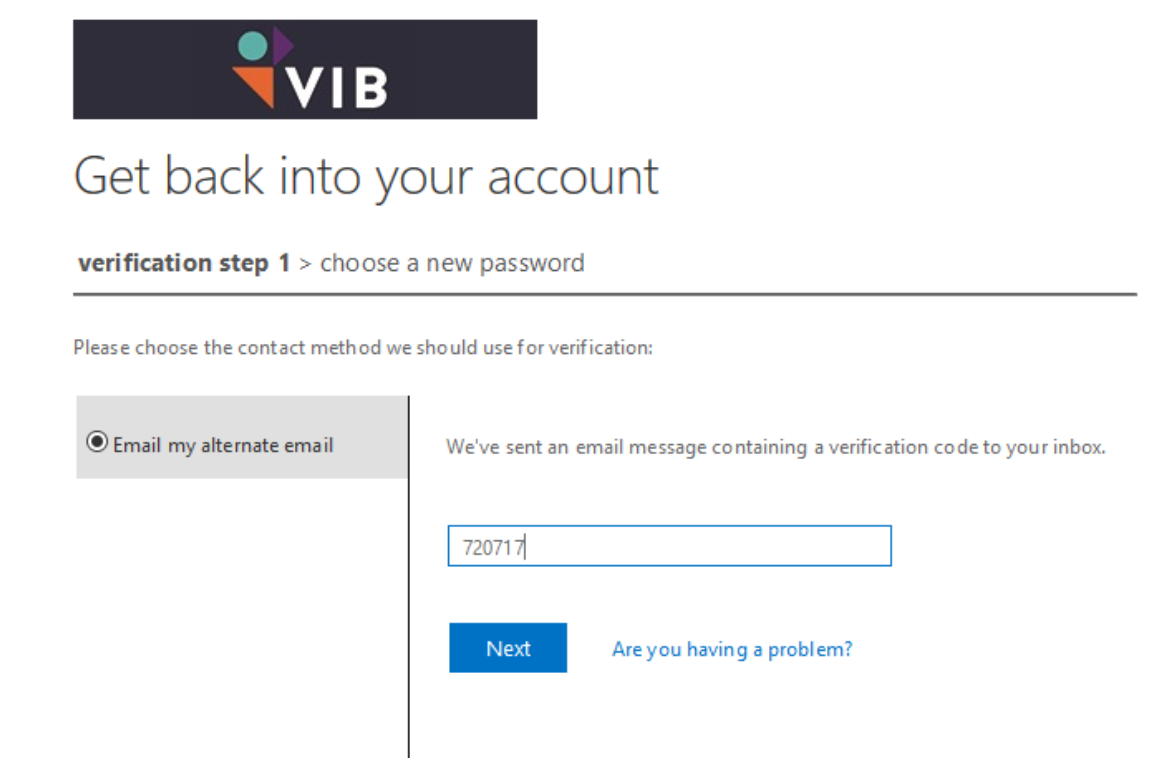
Go back to your browser and enter the code
Text
Extra info
8
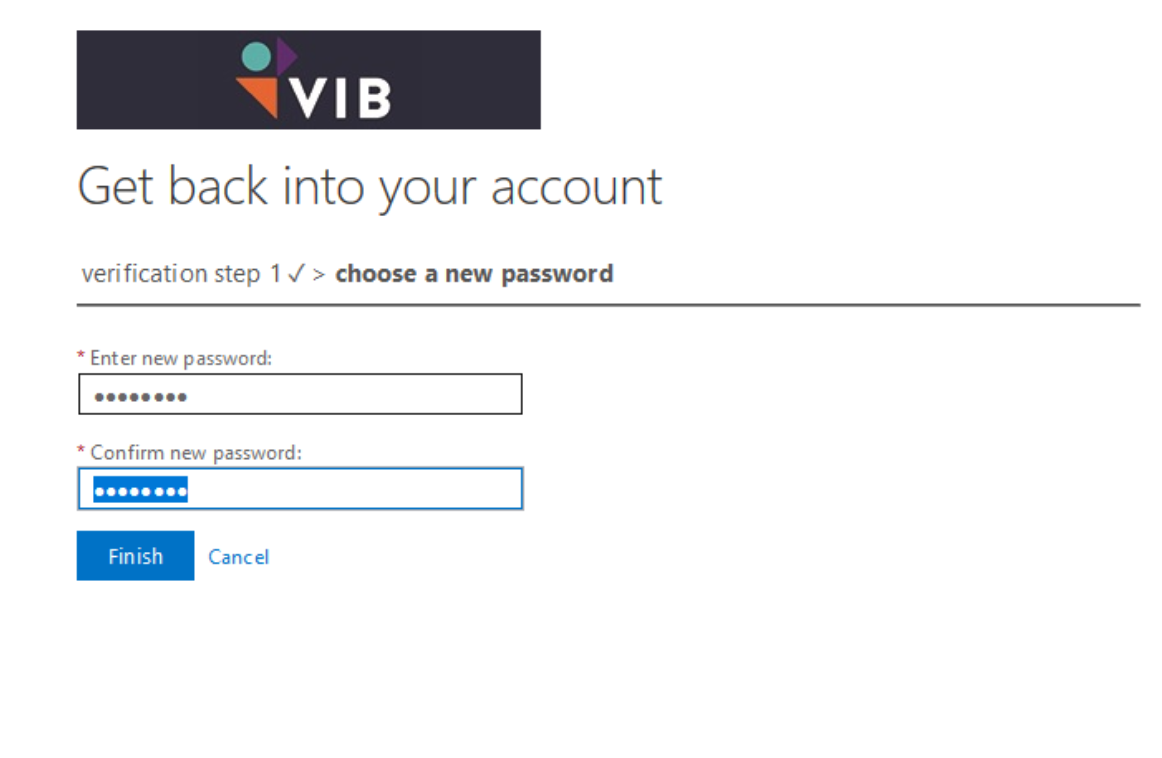
Enter a new password and click Finish
Text
Extra info
9
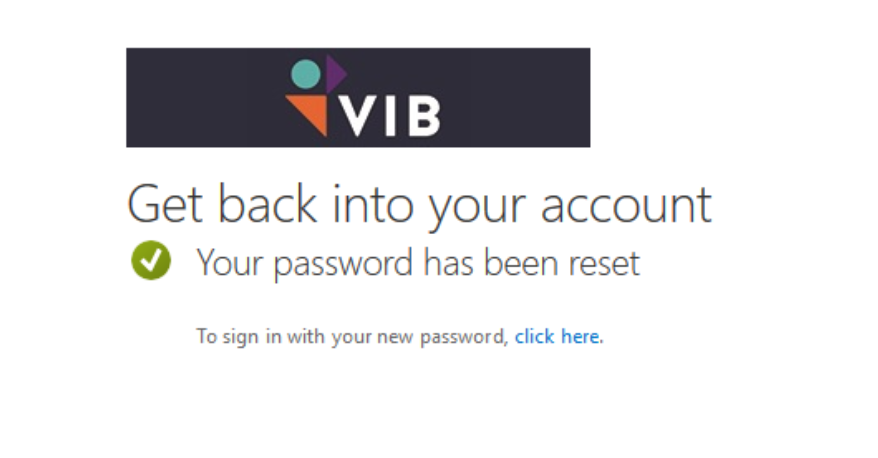
After completing the password reset the window below is shown. Click the "click here" link to proceed MFA configuration
Text
Extra info
10
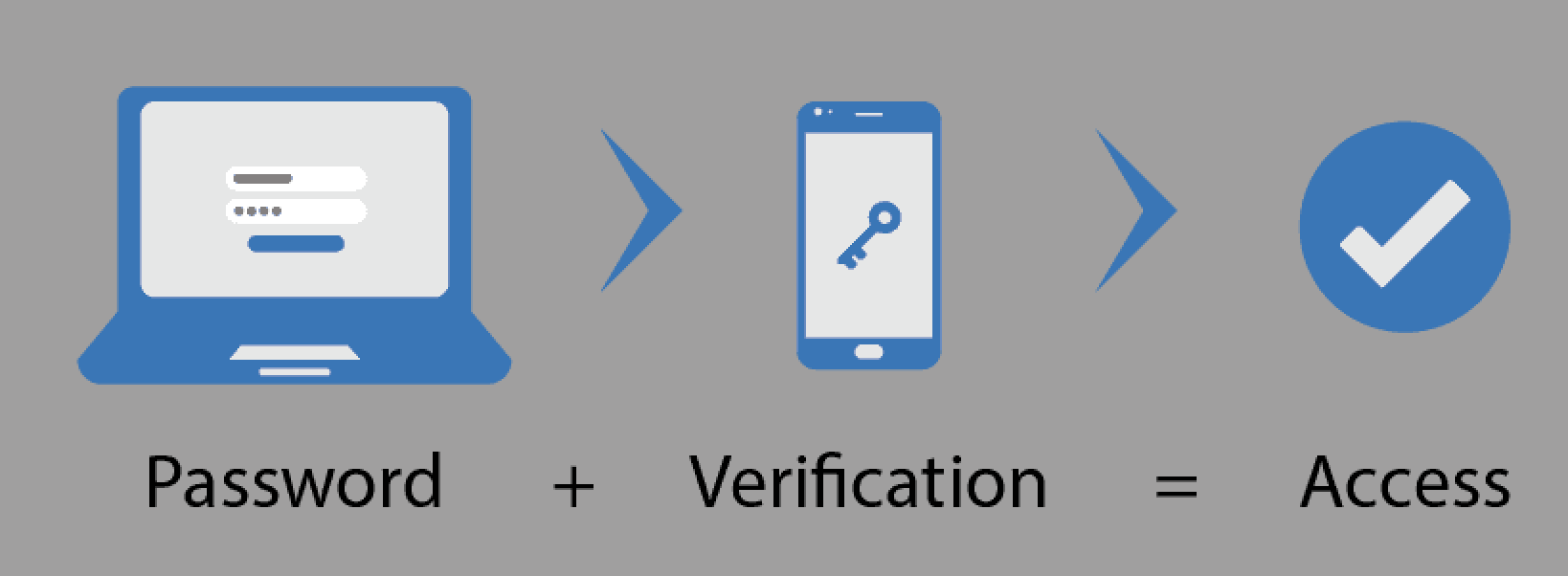
The first time that you login in a VIB application (like our Intranet, mail,.. ) after creating a password you need to set-up your MFA (Multi factor Authentication).
Text