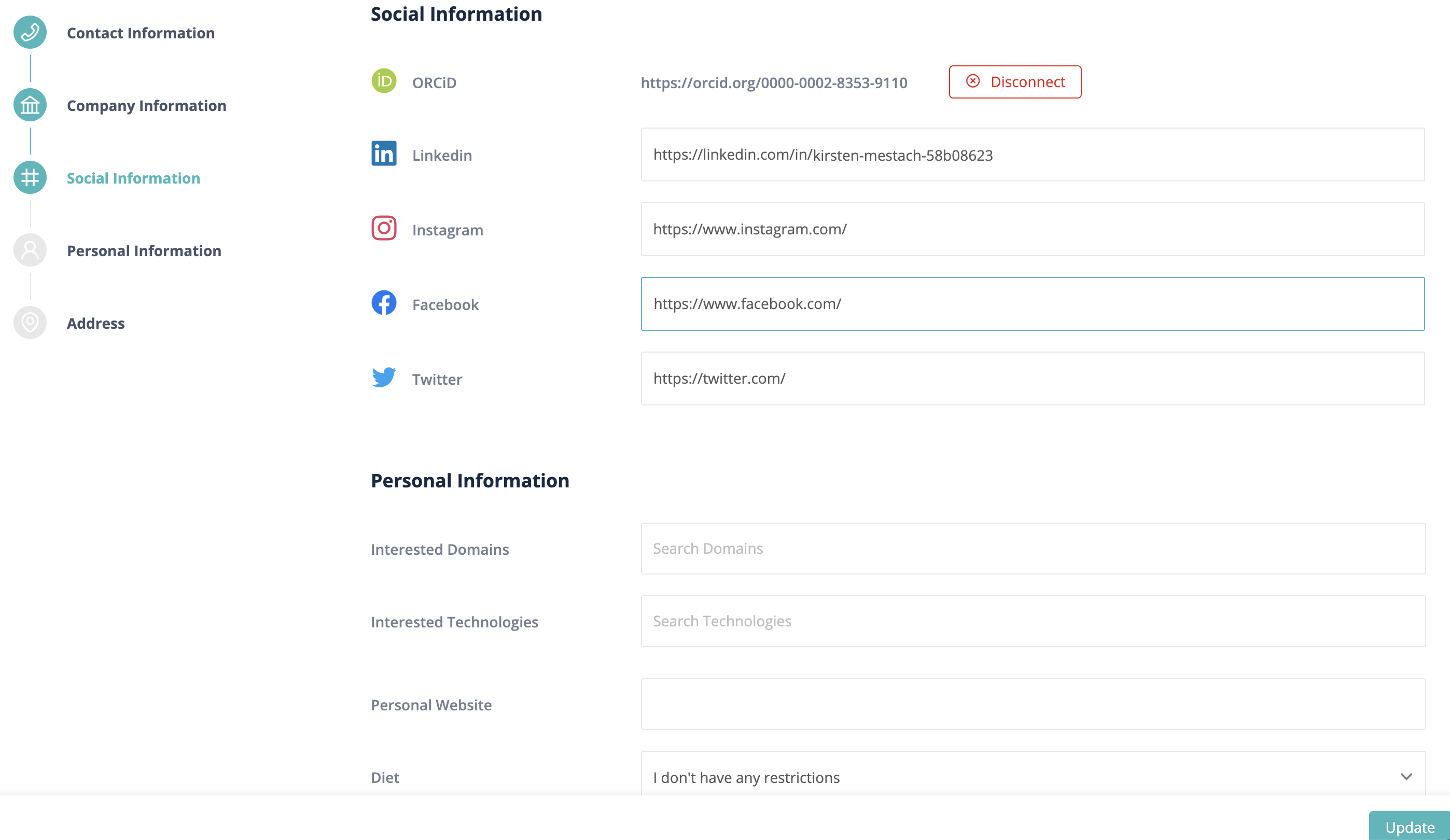
Link your ORCID to VIB
Link your ORCID with your VIB account
Extra info
1
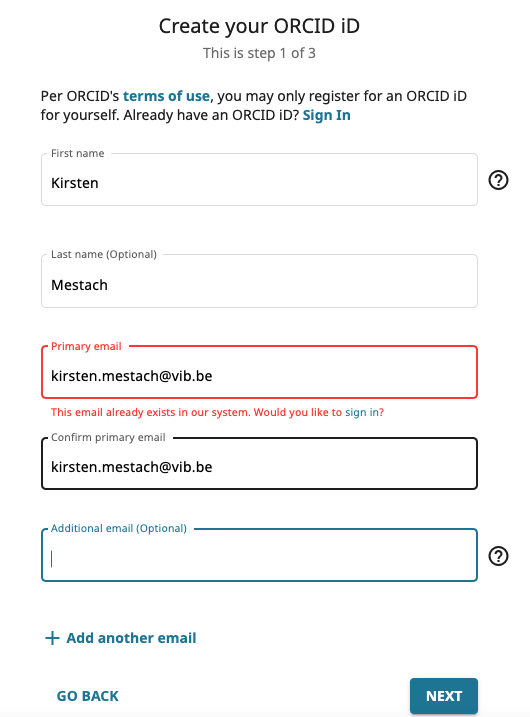
Create your ORCID iD
Text
Go to: Orcid.org/register and complete the fields.
Extra info
2
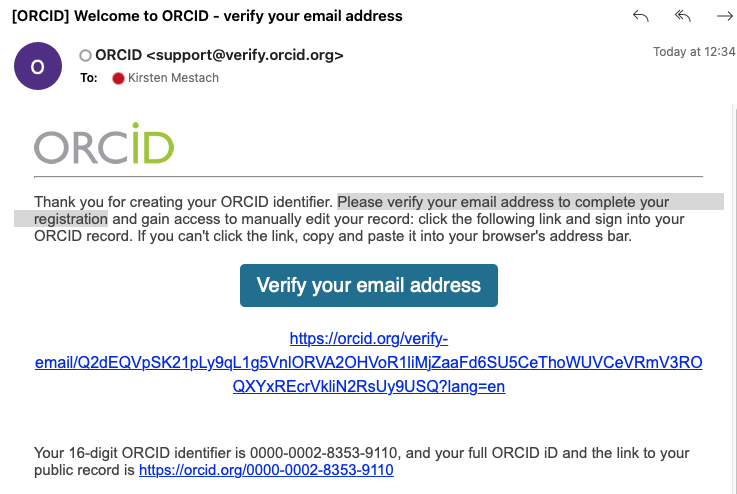
Verify your email
Text
Please verify your email address to complete your registration.
Extra info
3
Extra info
4
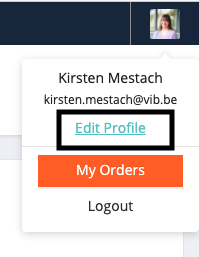
Link your ORCID to your account - Edit profile
Text
Extra info
5
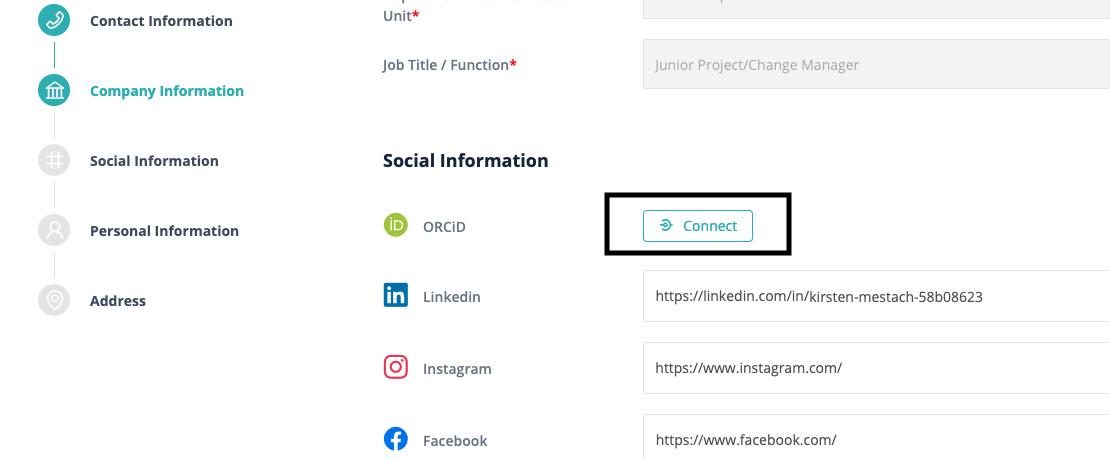
Go to Social information
Text
If your ORCID is already linked to VIB services, click on "autorize access".
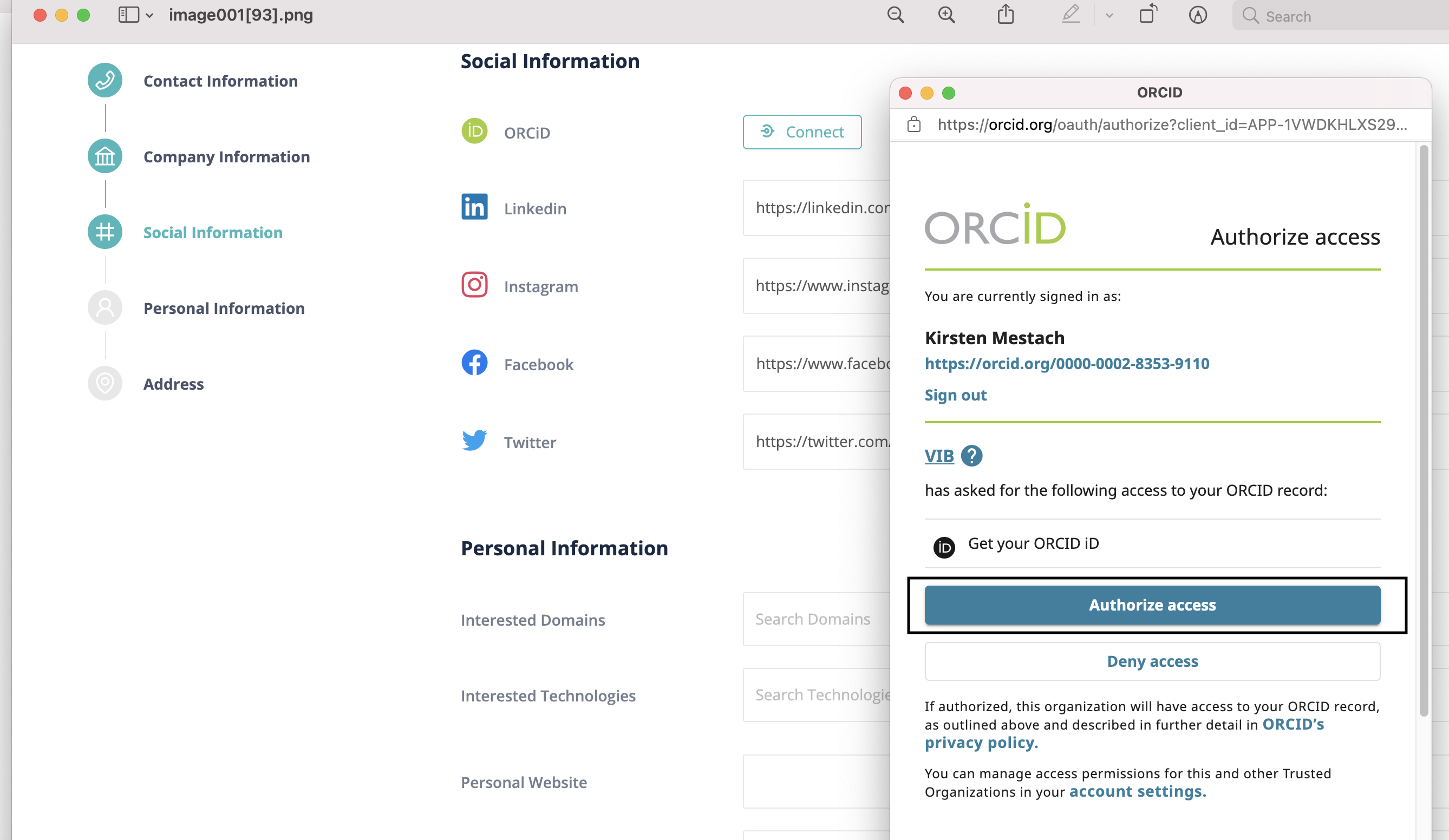
If your account is not linked yet. Click on Connect:
Extra info
6
Finish - click on update
Text