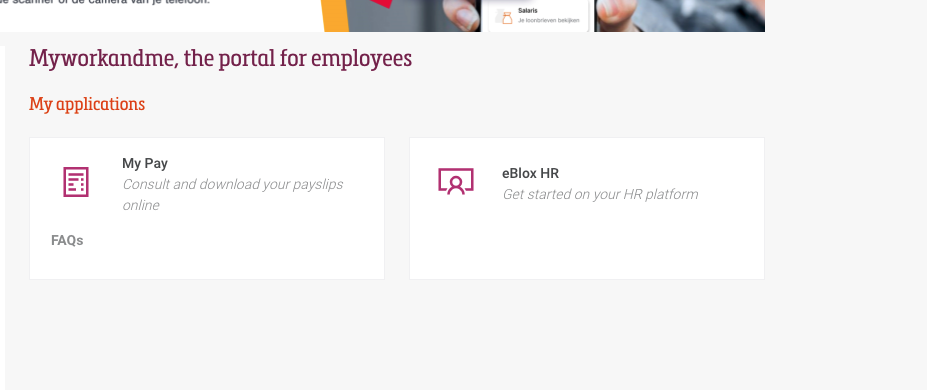
E-HR
E-HR (Holiday request/approval)
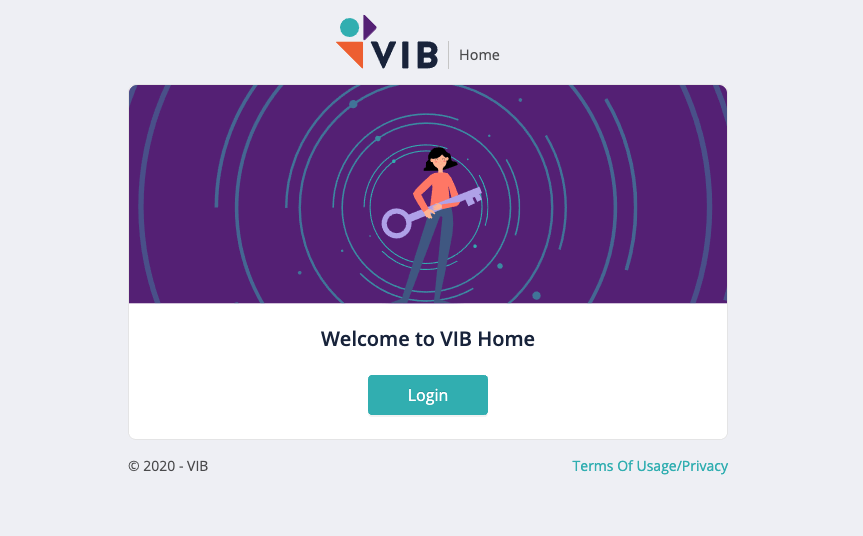
1) Go to: https://home.vib.be
2) Login:
3) Select VIB:
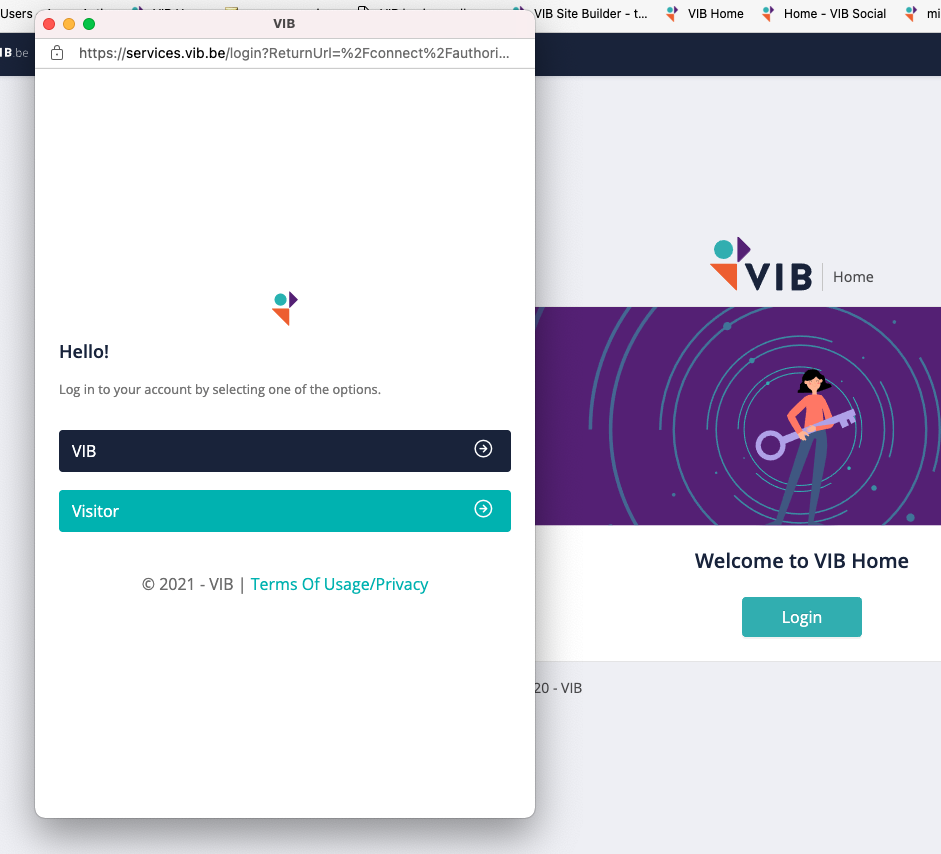
4) Login with "first name.name@vib.be"
5) Select the application E-HR:
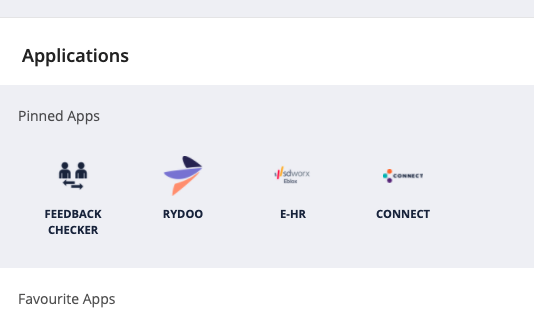
6) Login in SD, if you don’t have an account -> create a new account with a private email address
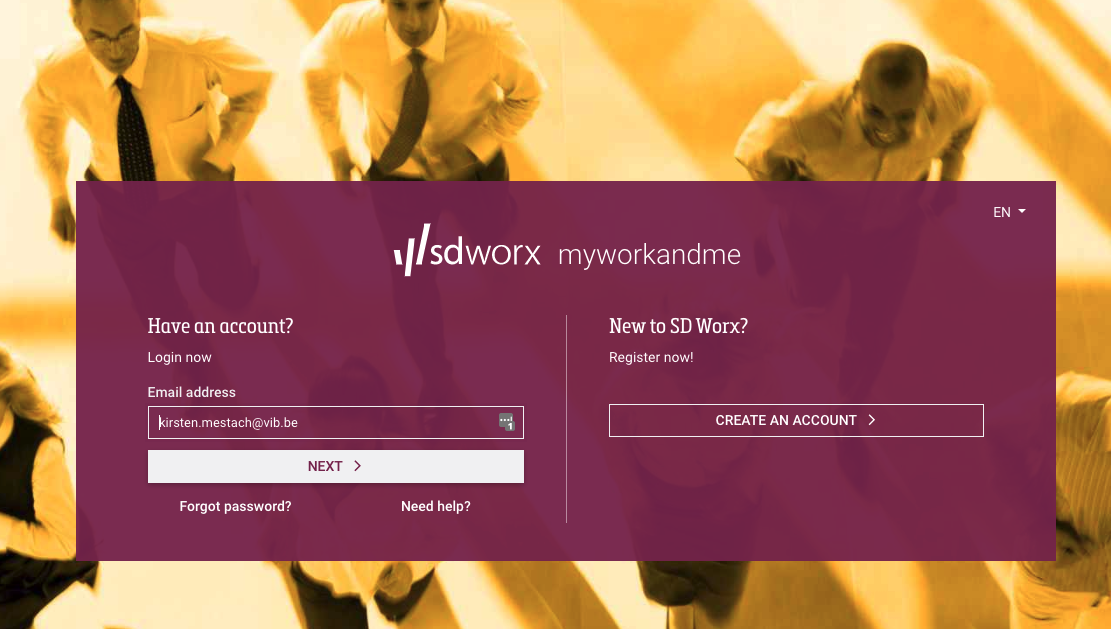
7) Select eBlox HR